Connect your systems
Connect the tools you already use, so your data flows on its own
Narima connects your CRM, accounting, payment, e-commerce and operations tools so information moves between them automatically. Most integrations go live in 2 to 6 weeks and cost $2,000 to $8,000 per connection.
Companies running four or more business tools, where staff copy data between them every week.
Illustration: an exported client sheet, a finance chat, a payment email, a sticky note and a scanned order form become one client record where CRM, invoice, payment and order are synced.
Check your tools
Signs your tools aren't talking
Tick the ones that sound like you.
How it changes · Trident Treehouse, Trustee
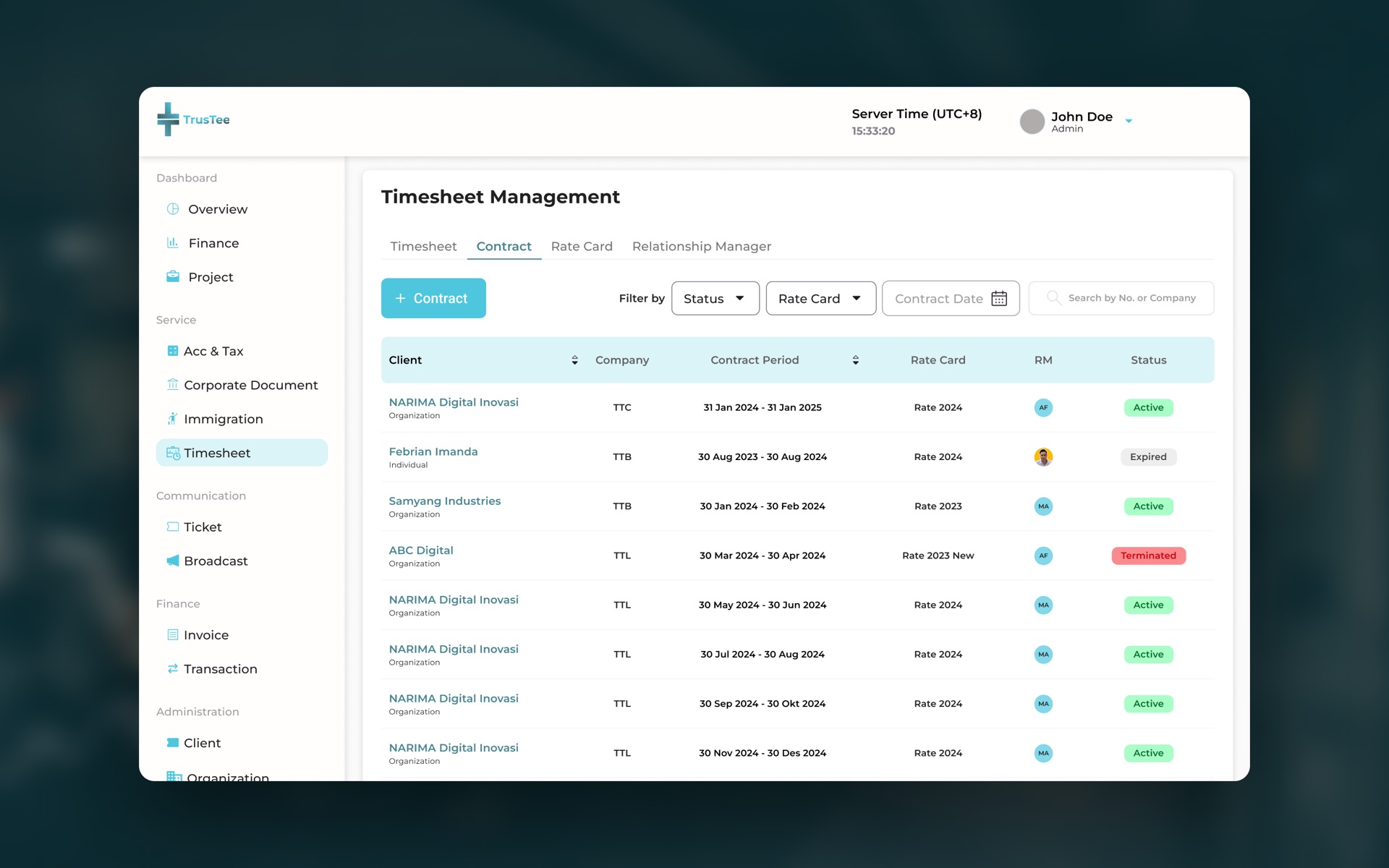
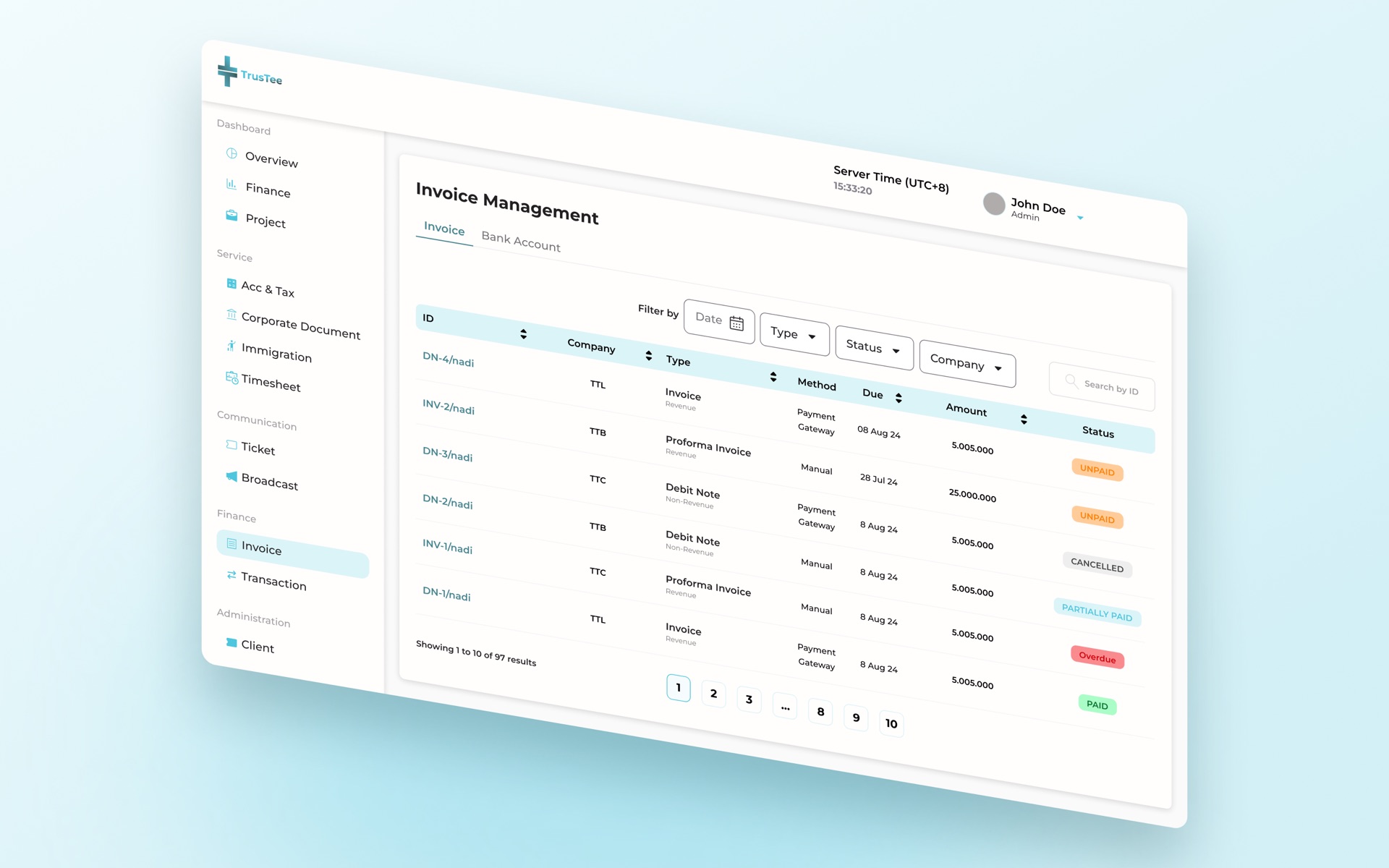
From email attachments to one connected client portal
Client documents arrived by email, were saved to shared folders by hand and tracked in a separate spreadsheet.
Clients upload documents, check their status and message the team in one secure portal, and every step updates the same record.
What we connect
The tools you already pay for, talking to each other
CRM · accounting and ERP · payment gateways · e-commerce and marketplaces · HR and payroll · Google Workspace or Microsoft 365 · your own custom apps.
Tools we've connected before
How an integration works
Four steps, and the first one decides the rest
- Step 01
Map
We agree which data moves, in which direction, how often, and which tool holds the true numbers.
- Step 02
Connect
We use each tool's official connection (its API) wherever one exists.
- Step 03
Test
We run real data through a safe copy before anything touches your live systems.
- Step 04
Monitor
You get alerts if a connection fails, before your team notices.
What it costs
What an integration costs, and why
What moves the price
Always included: mapping, testing on a safe copy, monitoring set-up and handover notes. Support and hosting terms are set out in your written proposal.
Almost any two tools can be connected. The real question is which one holds the truth. Agreeing on that first saves weeks.
Projects like this
Connections we've built
Trident Treehouse replaced manual document handling with a secure client portal
Documents, real-time tracking and client messages in one place.
How Geonet proved its property valuation platform before building it in full
A proof of concept first, then a web platform for property investment valuations.
Questions
Before you connect your tools
Do we have to replace our current software?
What if one of our tools has no API?
Is our data safe while it moves?
What happens if a connection breaks?
Can you connect AI tools too?
Next step
Start where you are
Still exploring?
Download the spreadsheet-to-system readiness checklist.
Want a written view?
Describe your situation in the form. Within two business days you get a free written assessment by email.
Not quite your problem?